
Exiled Salesman
Track every listing. Know what sells.
A Path of Exile 2 merchant tracker with live listings, instant sell alerts, and analytics that show which mods actually move.
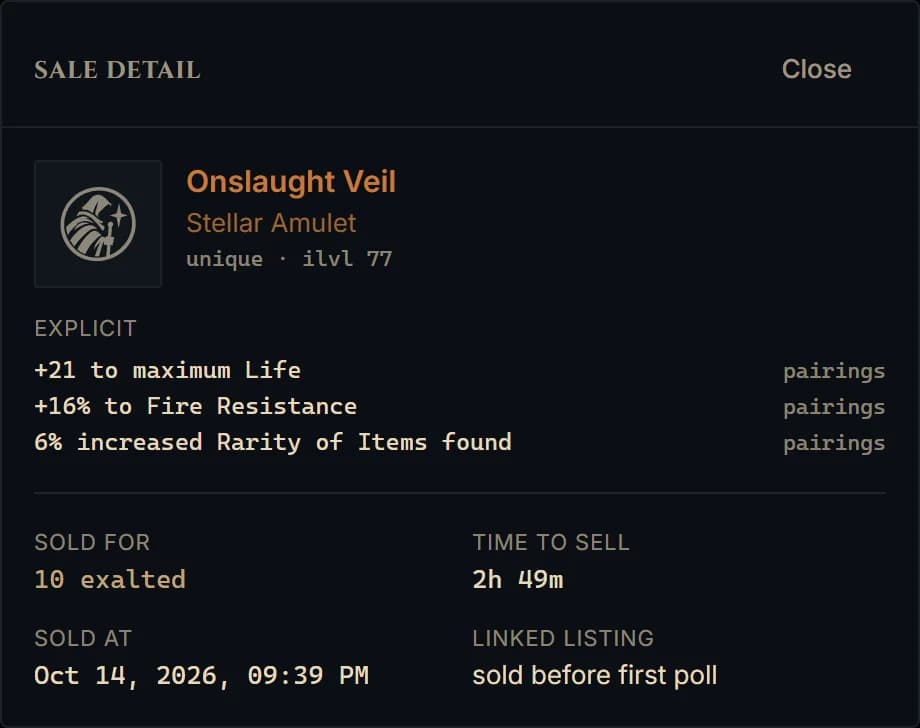
Listings
Every listing, live — and the ones going stale
Everything in your Merchant’s Tab with its price and how long it has sat there. Listings that outlive your stale threshold are flagged, so you know what to reprice before it costs you a week.
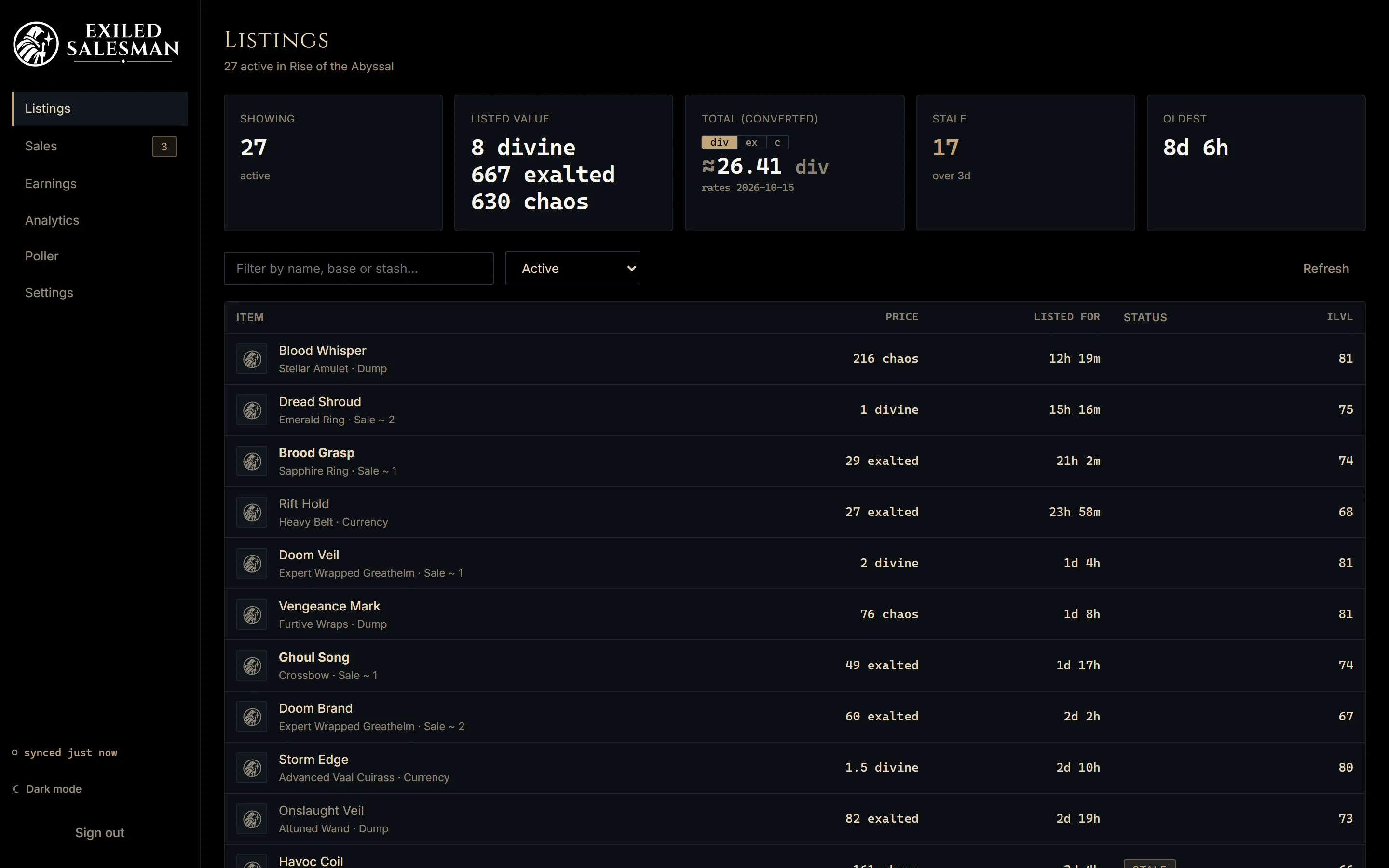
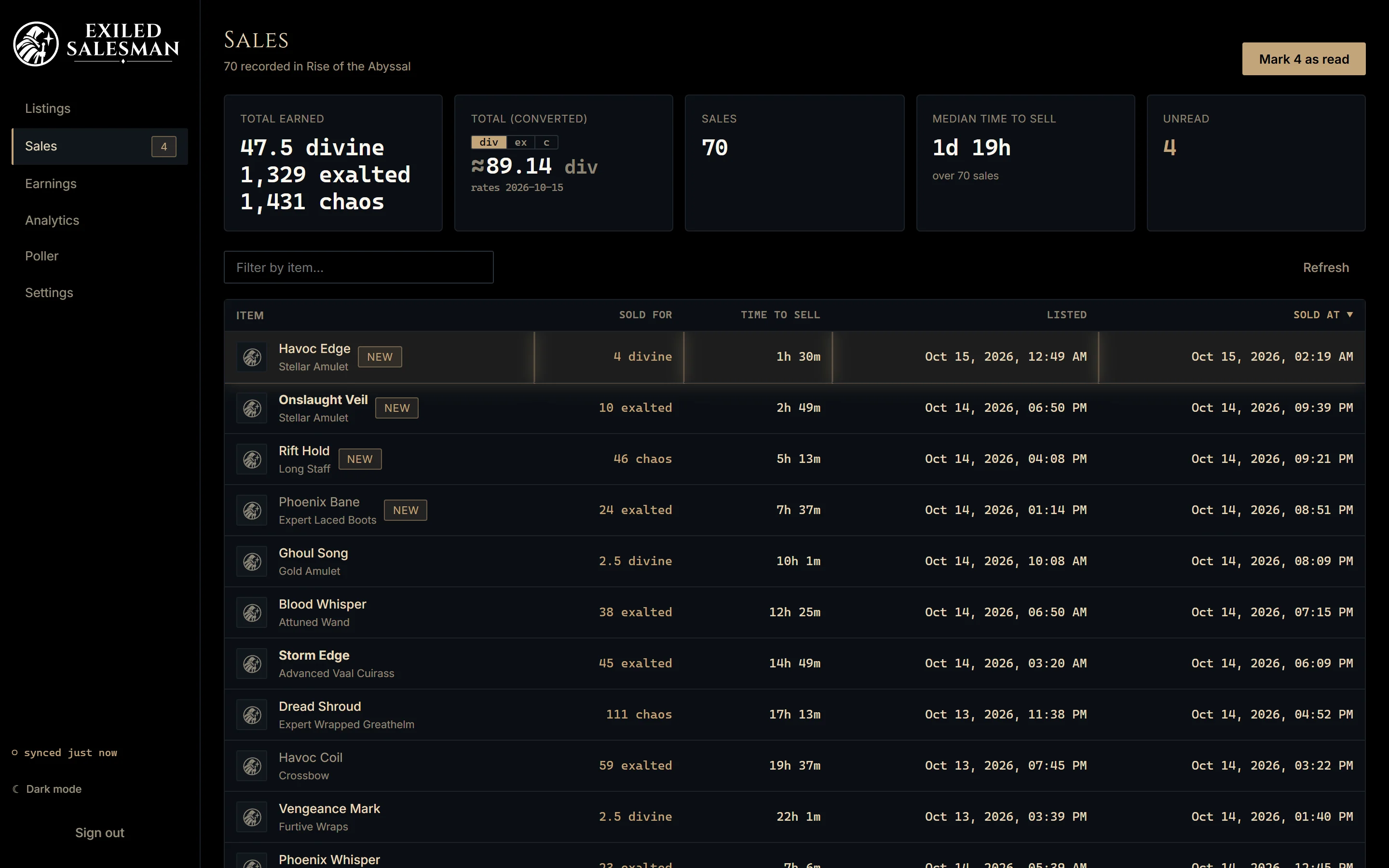
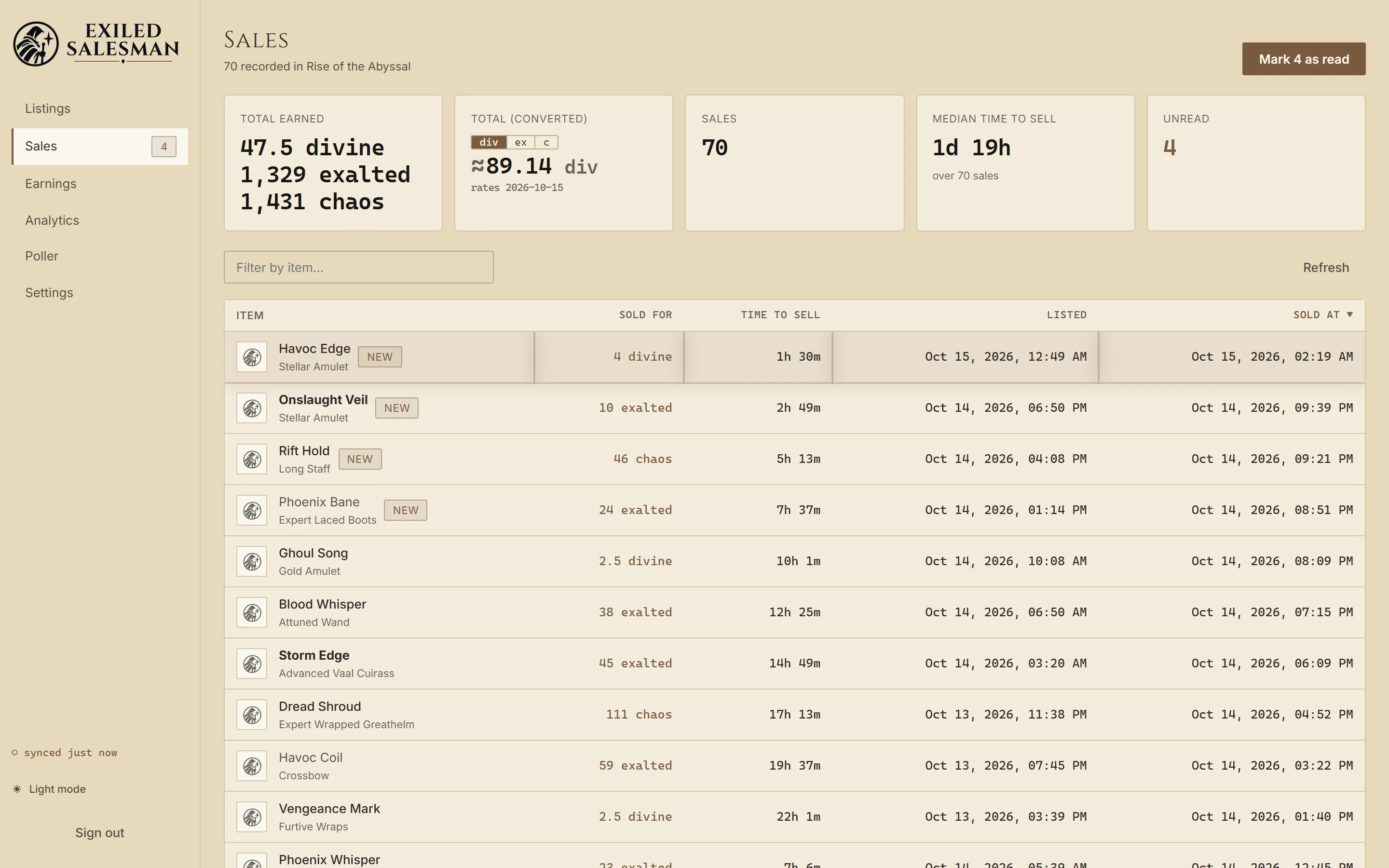
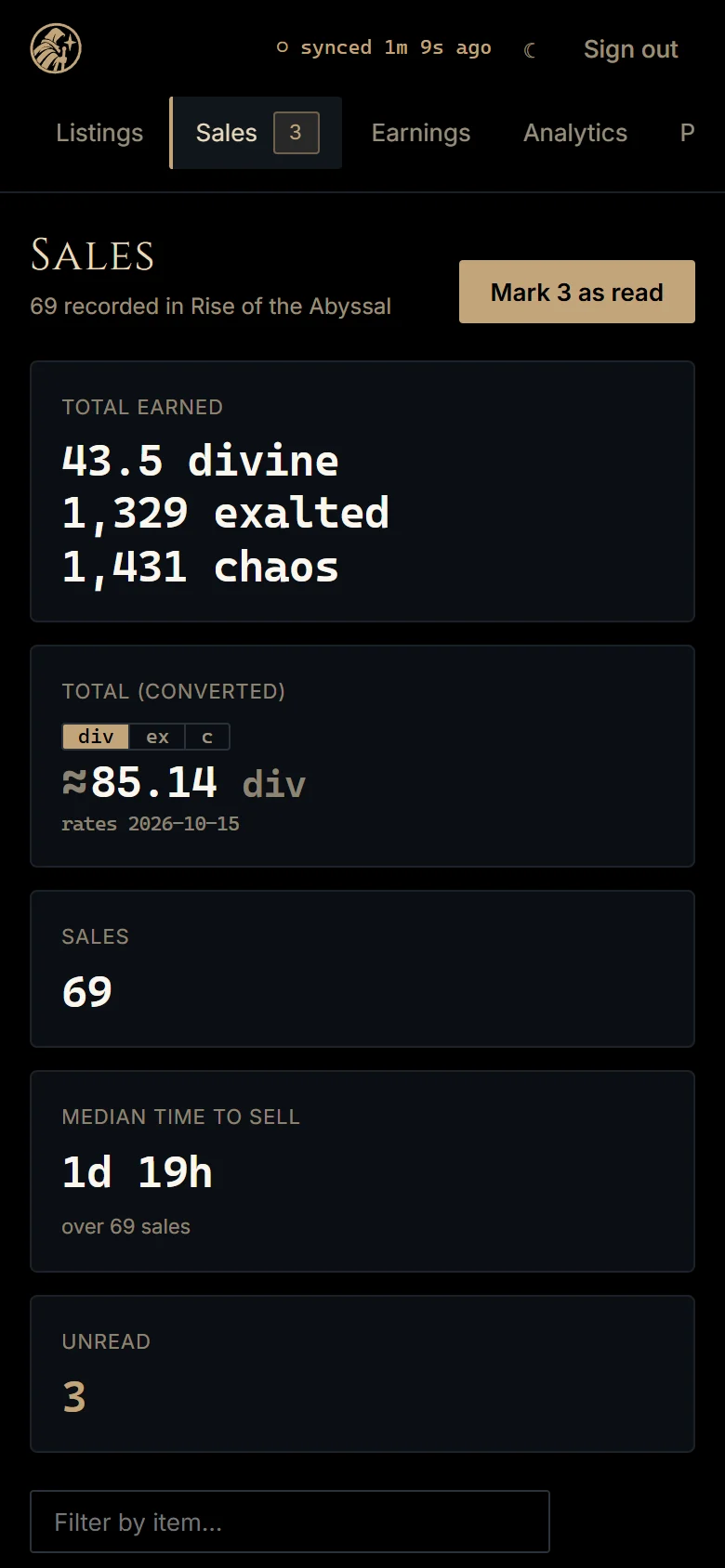
Sell alerts
Know the moment something sells
The desktop app raises a Windows notification as soon as a sale lands, and the Android app gets a push with the price and how long it took. On the dashboard the new sale glows bronze until you have seen it.
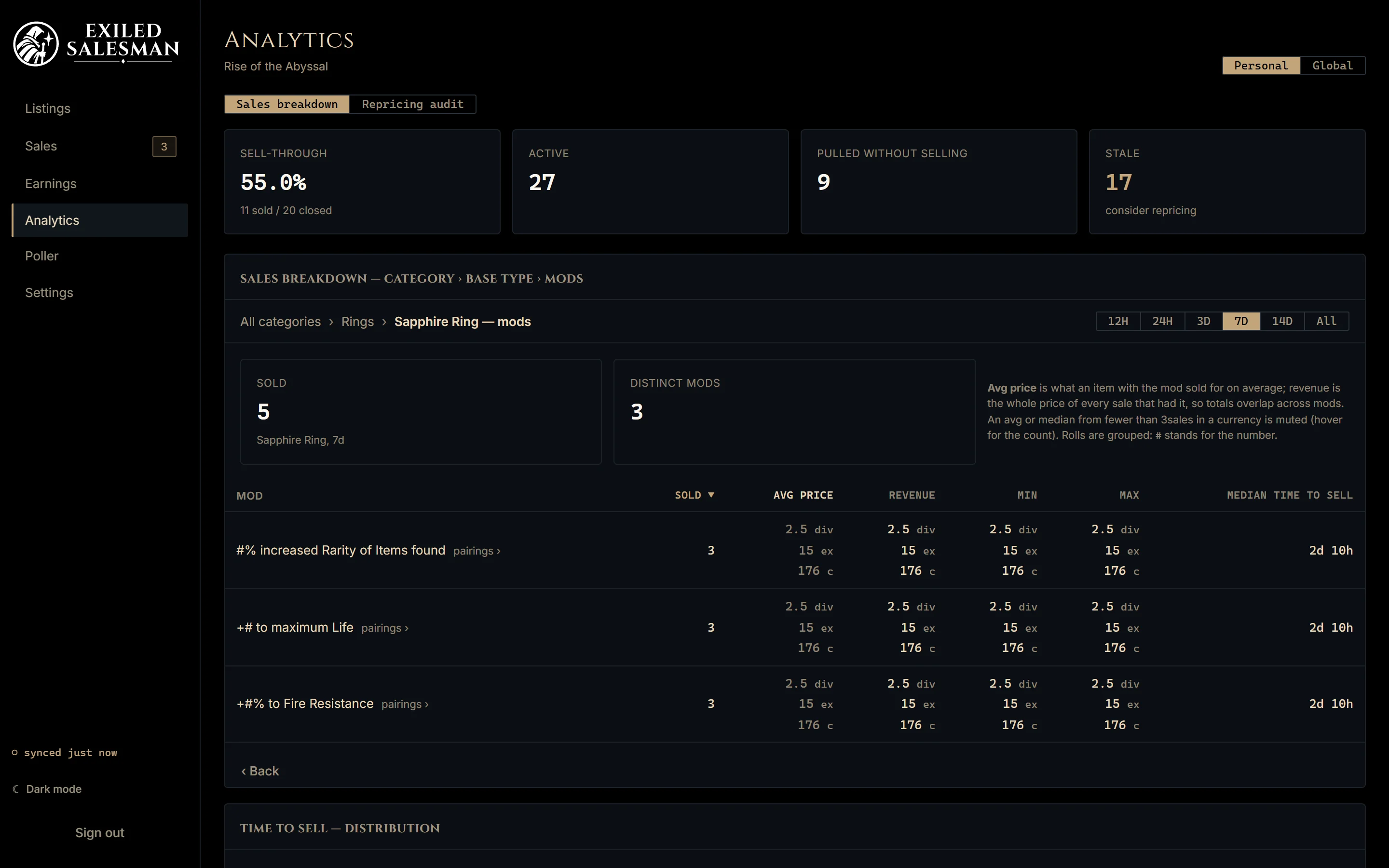
Analytics
Find out which mods actually move
Drill from category to base type to individual mods, with the average price an item with each mod sold for, which mods sell together, and how long things take to sell — per currency, over 12 hours to all time.
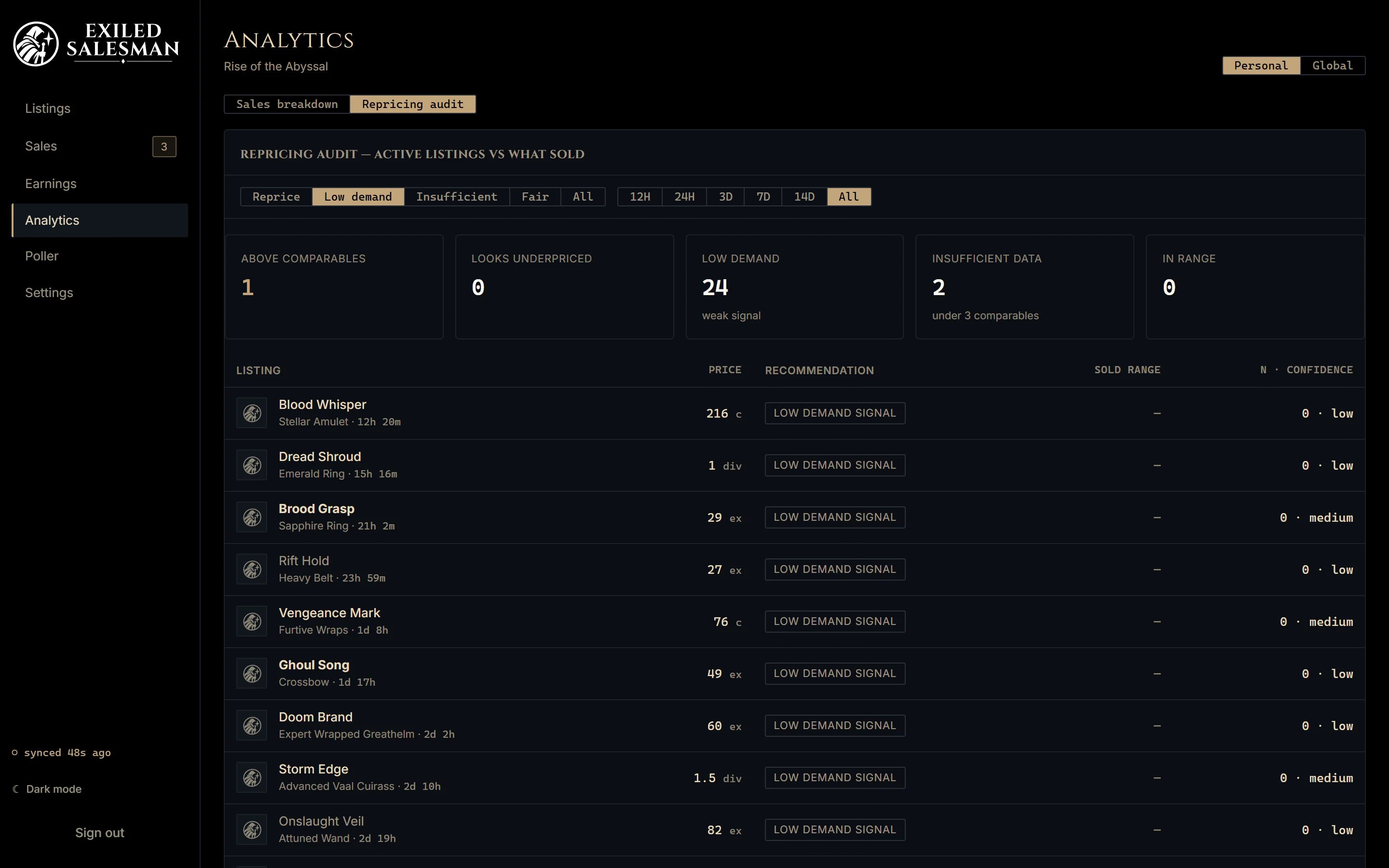
Repricing audit
A second look at what isn’t selling
Each active listing is checked against your own comparable sales: above comparables, looks underpriced, in range, or low demand. Every row shows its sample size and confidence, and nothing is changed for you.
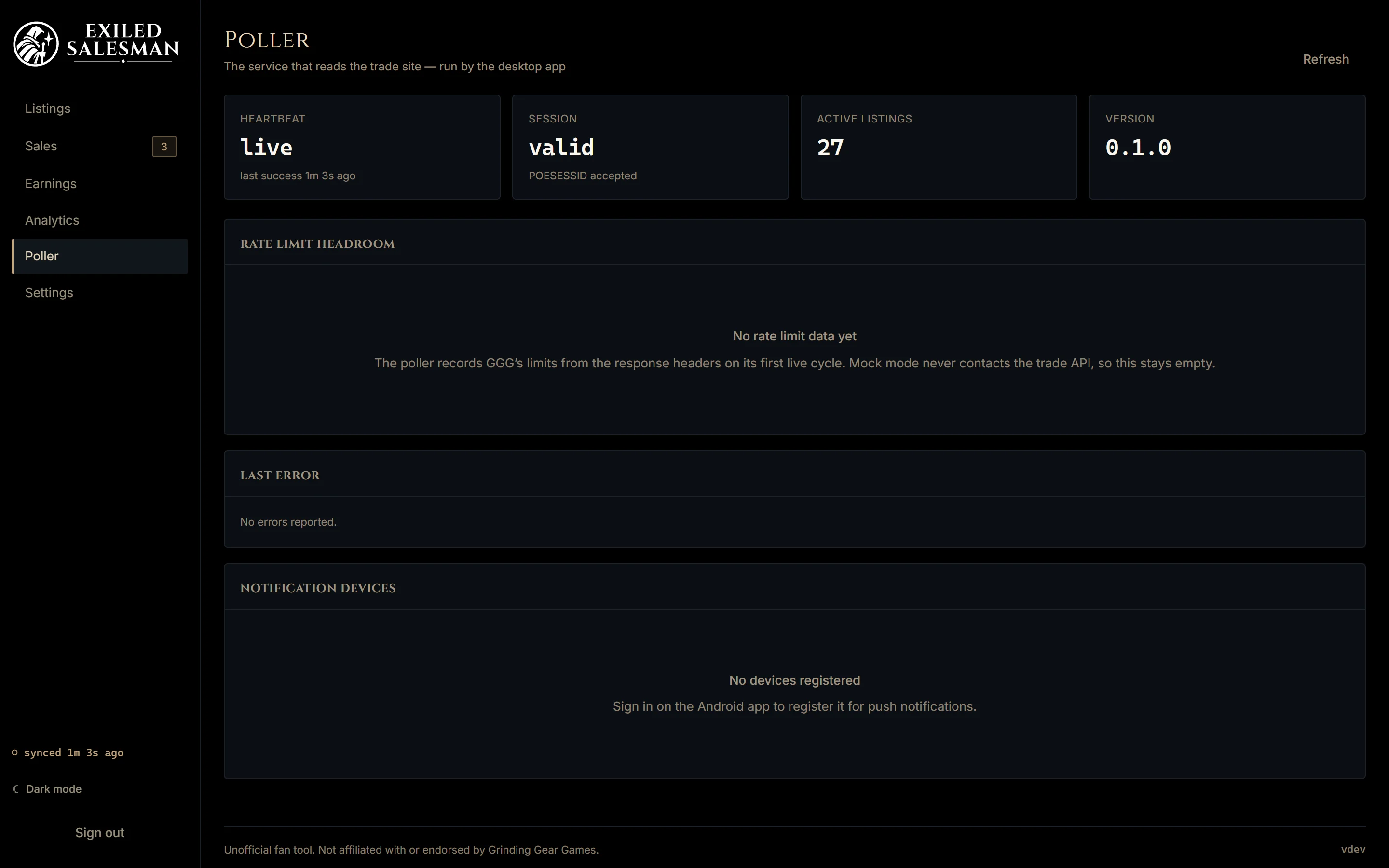
Your account only
It runs on your PC, as you
The poller runs inside the desktop app on your own PC, reading your own trade history with your own Path of Exile session — which never leaves your machine. What it records is stored per account and readable only by you. Nothing is pooled or shared.
How access works
- Request accessLeave your email, or sign up with Google. Both put you on the waitlist.
- Get approvedExiled Salesman is invite-only while a few players test it. You’ll hear back.
- Download and sign inInstall the Windows app, sign in with Google, then sign in to Path of Exile.